Designing the cognitive browser
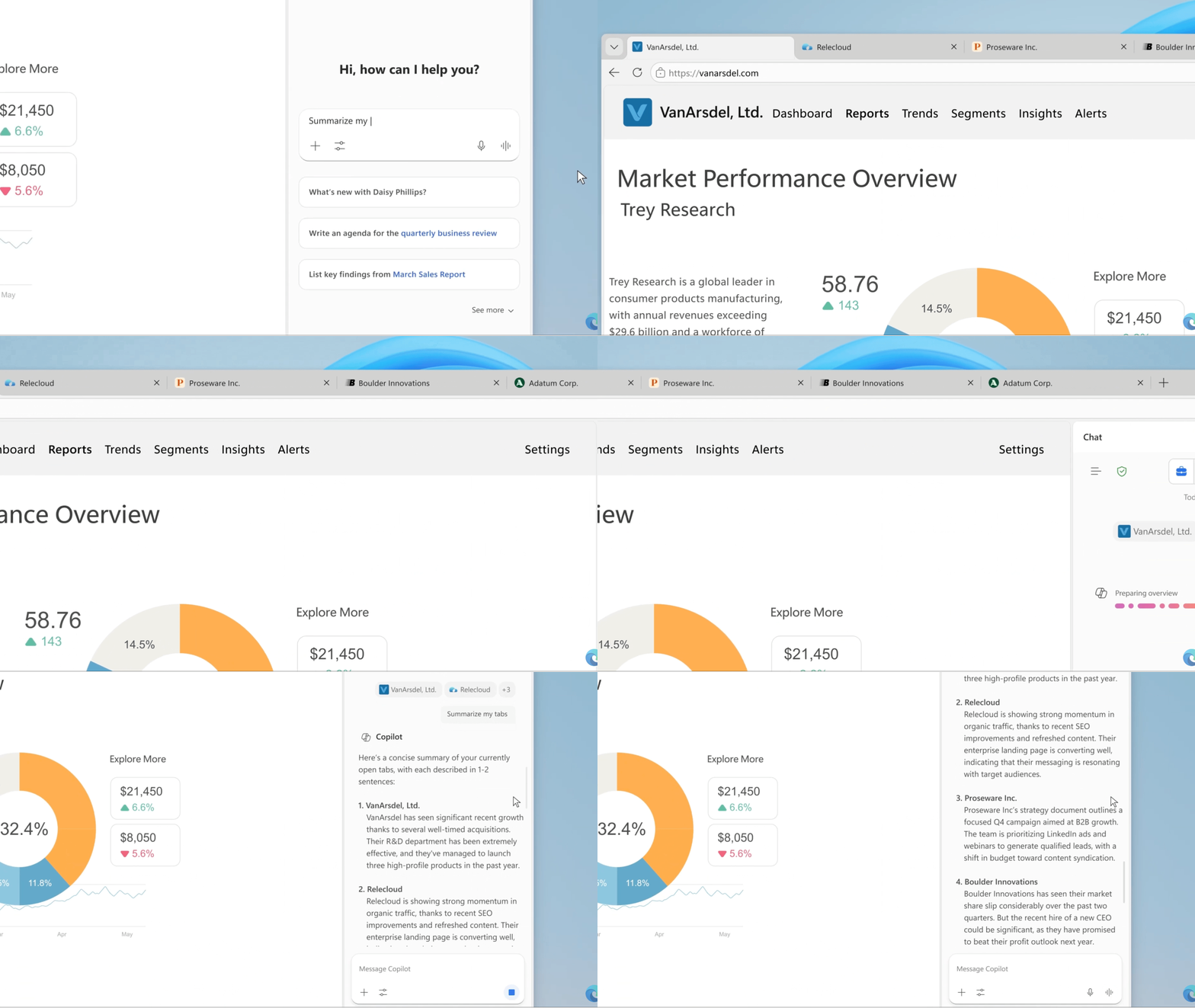
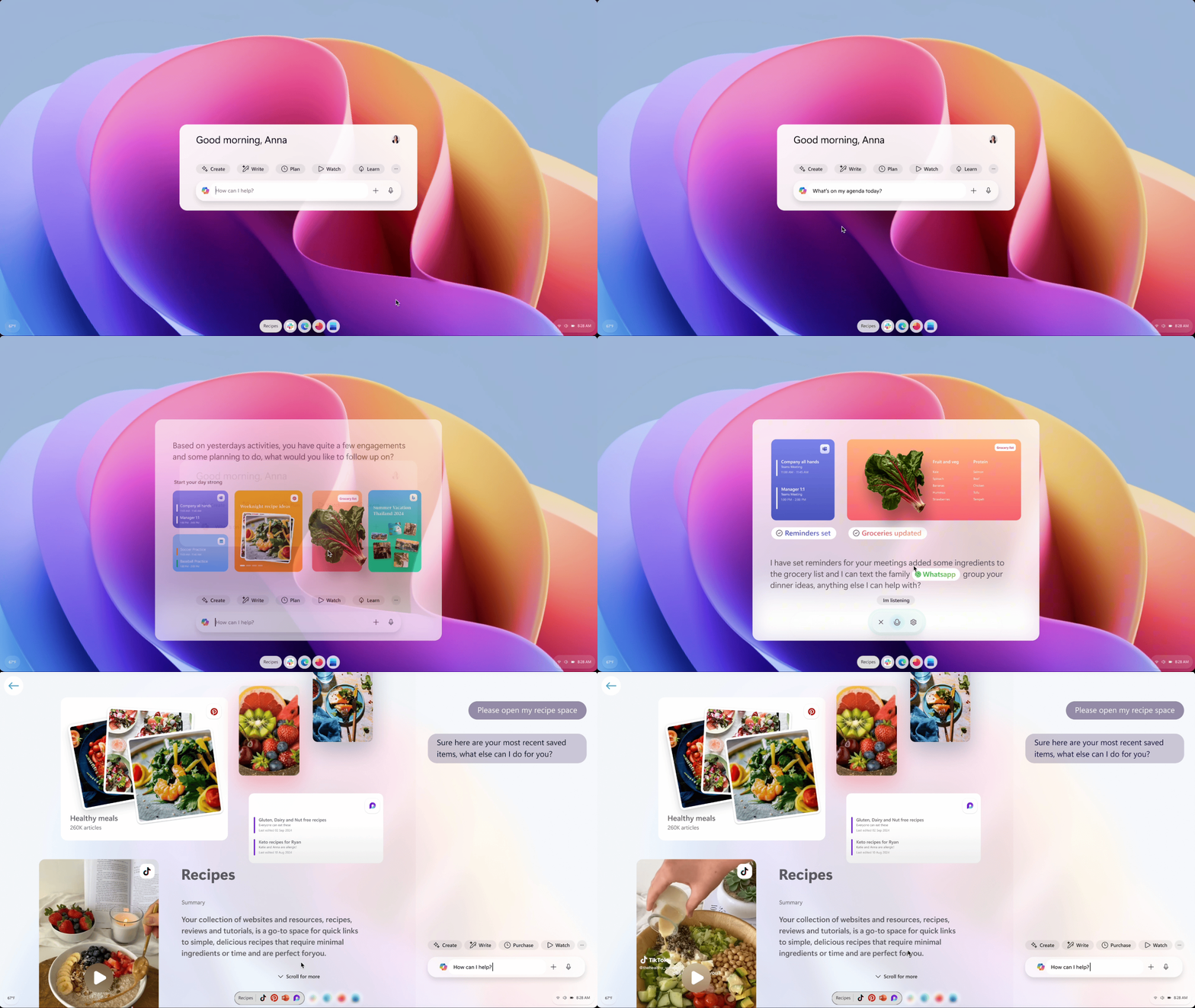
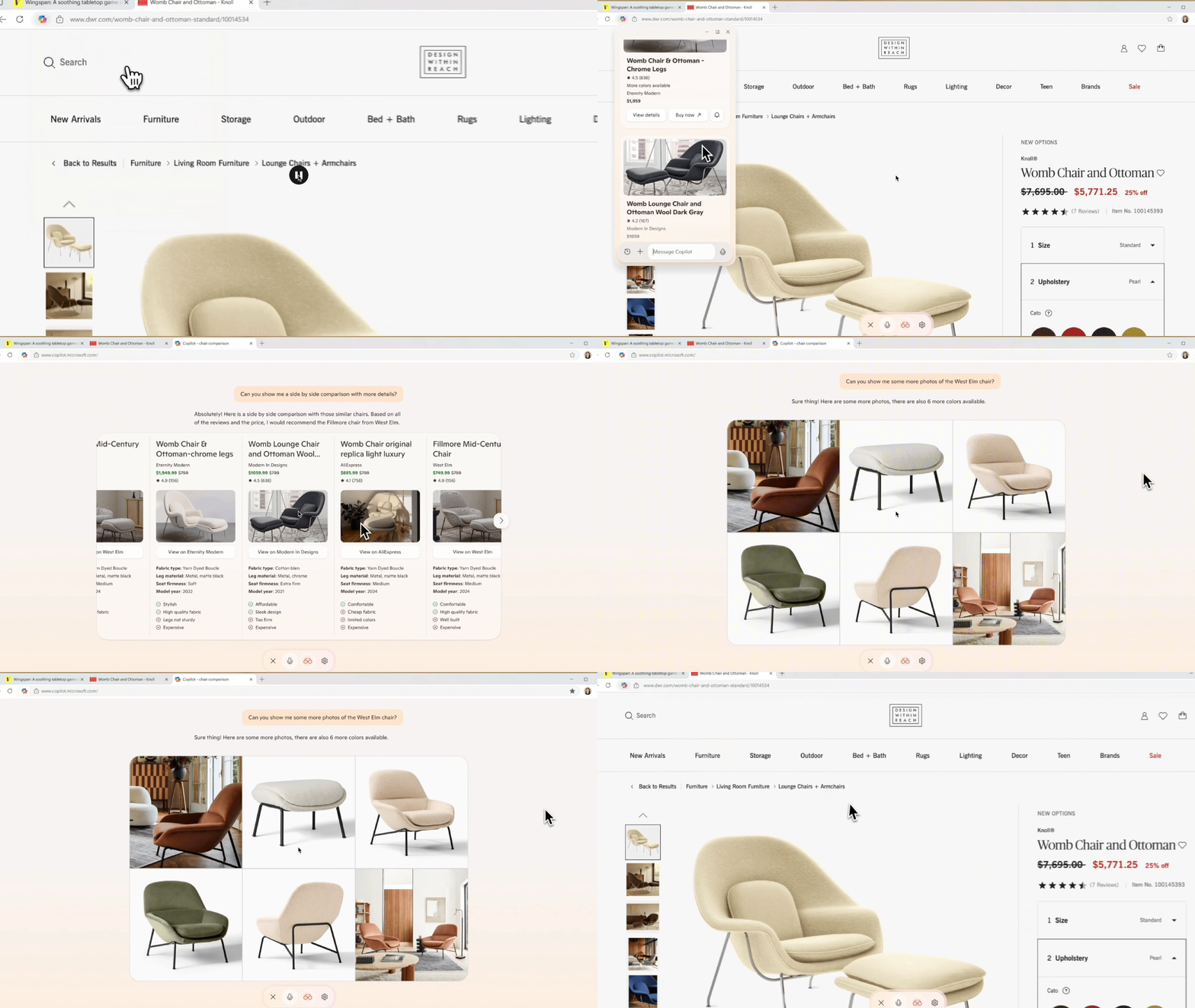
As Copilot entered Microsoft Edge, the challenge was rethinking how a browser should work. I developed interaction patterns and prototypes that enabled Copilot to draw from active pages, synthesize information across tabs and shopping scenarios, and support complex workflows

Early motion studies around multi-tab reasoning and Copilot interactions in Edge and Microsoft Start tested how AI could operate as a contextual layer within the browsing experience. These prototypes informed patterns for how Copilot accesses information and integrates into Edge as a persistent thinking partner.
-
Dockable, detachable AI sidebar accessible from the toolbar
Context-aware assistance grounded in the active page
Structured outputs (summaries, pros/cons, comparisons)
Persistent yet collapsible workspace alongside browsing
Multi-turn refinement without leaving the page
-
Clear user invocation (never automatic)
Visible boundaries between webpage and AI responses
Structured outputs to reduce cognitive overload
Human-in-the-loop refinement
AI as augmentation, not automation
-
As a contributor, I made rapid motion experiments to define how Copilot’s sidebar should behave through prototyping shopping-centered scenarios, exploring dock and undock transitions, and testing how AI could feel truly embedded rather than appended to the browser. This was early pattern-breaking work, focused on moving beyond traditional sidebar utilities to establish new, AI-native interaction models before the browser became fully AI-integrated.